
Printers for Home & Office — Wireless, All-in-One, Laser & Inkjet
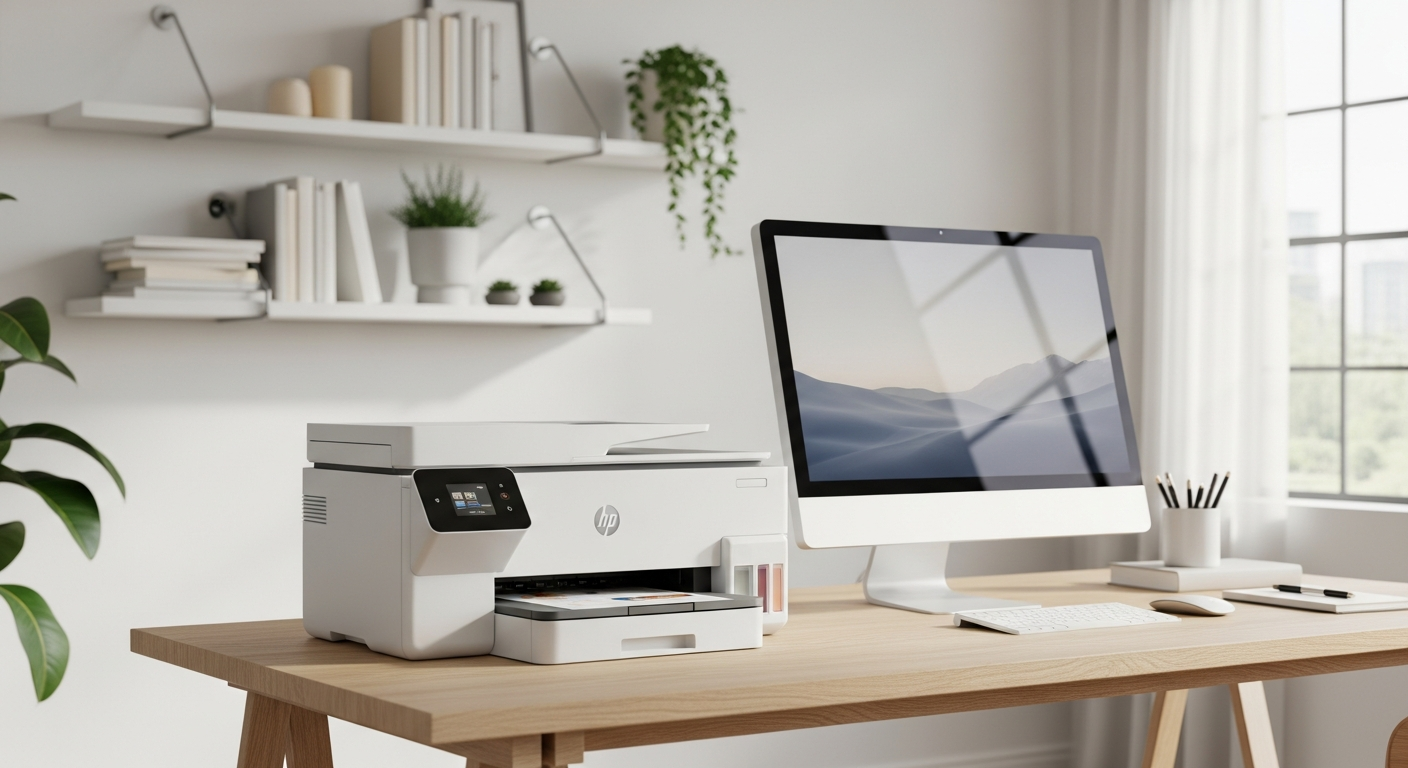
We Have a Printer for Every Need
Clear specs and honest pricing on every product
Shipping options shown upfront at checkout
Easy returns and refunds
Secure checkout that keeps your details safe
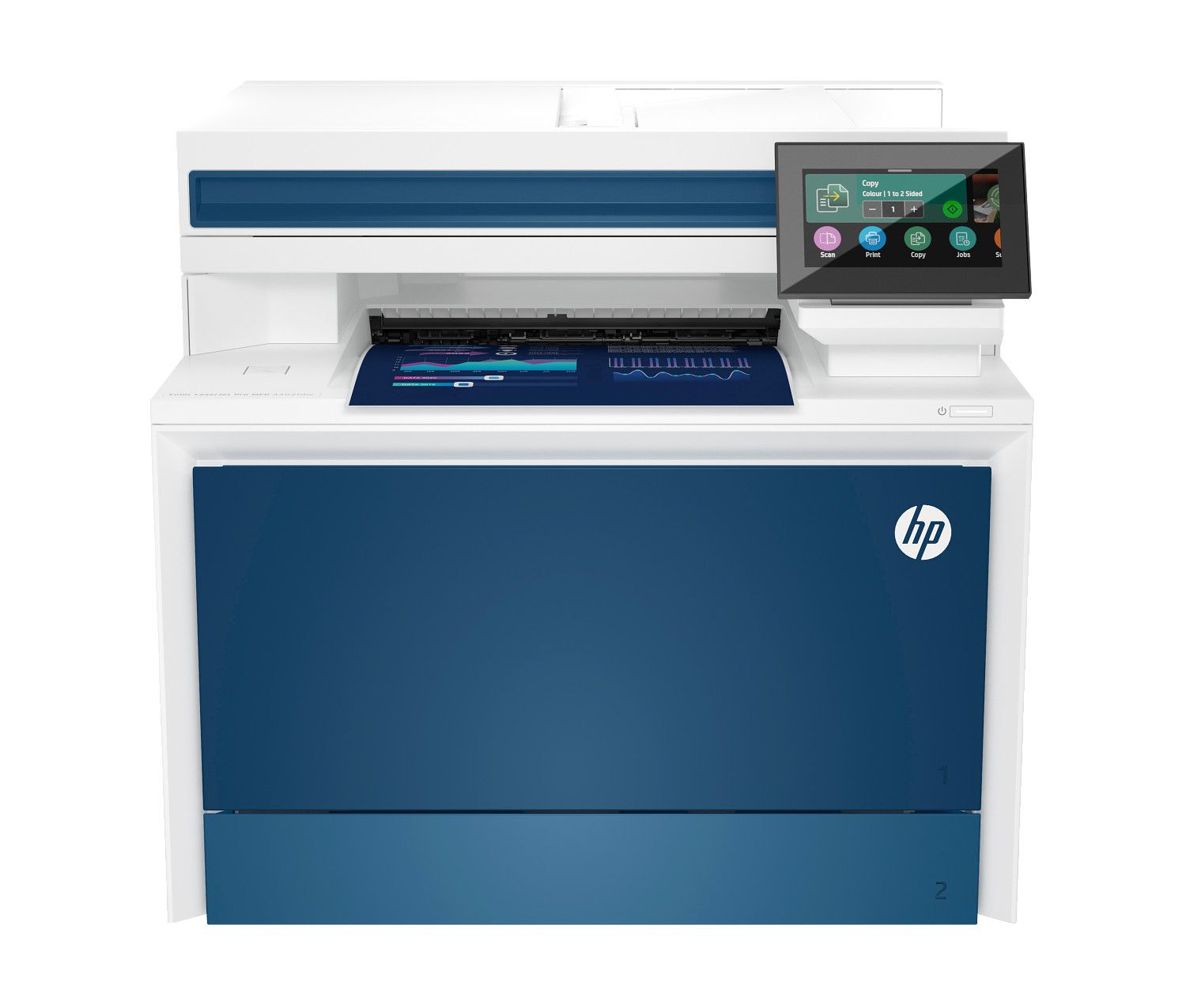
Who We Are
Mangal Electronics is operated by OSS Tech LLC in Westminster, Maryland, built around one idea: buying a printer shouldn't be confusing. We bring together printers for homes, home offices, and growing businesses.
Every model is laid out clearly — the specs, price, and availability you need to choose with confidence, without the guesswork.
- Printers for home, office, and business
- Clear specs, pricing, and availability on every model
- Shipping options presented openly when you check out
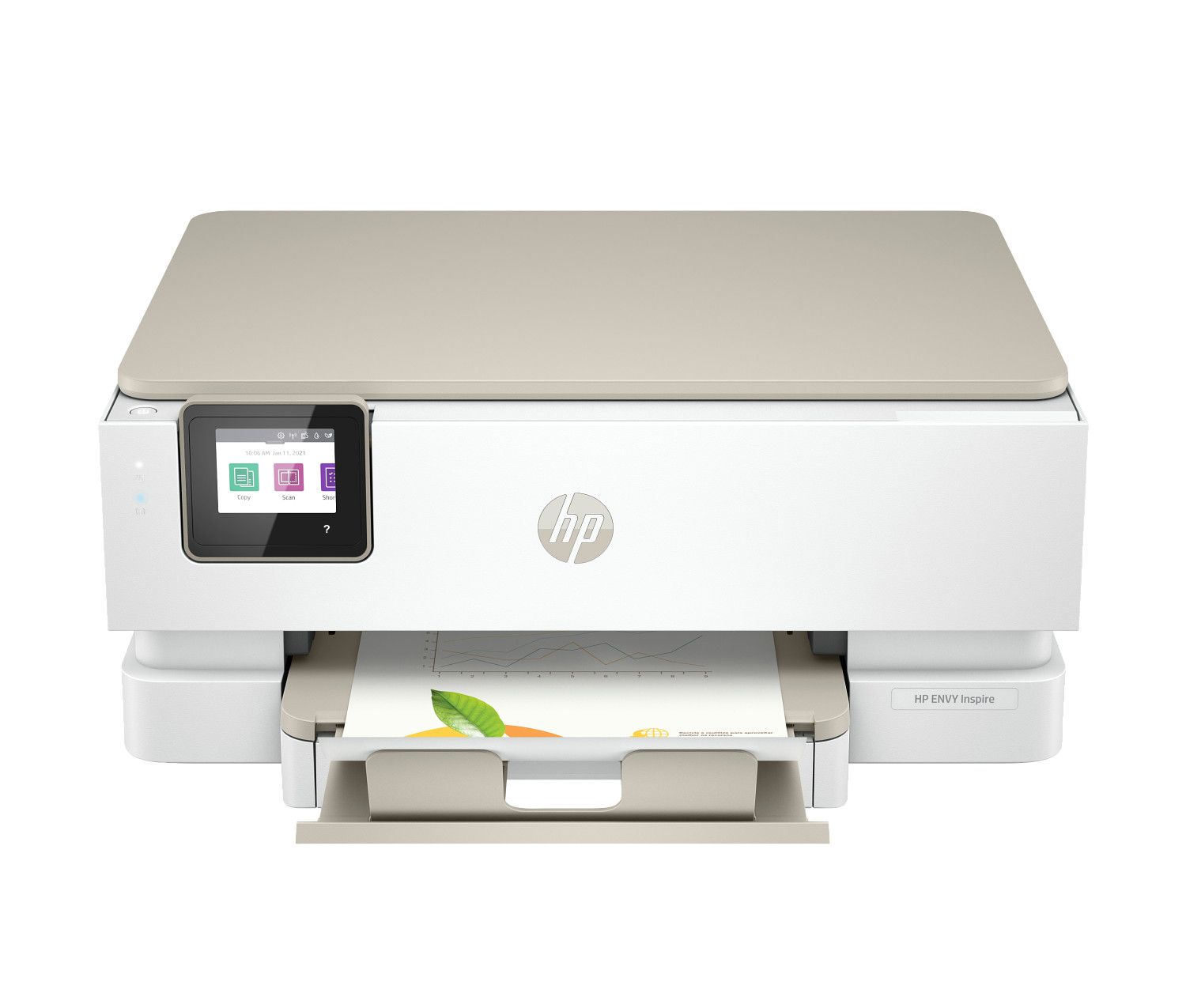
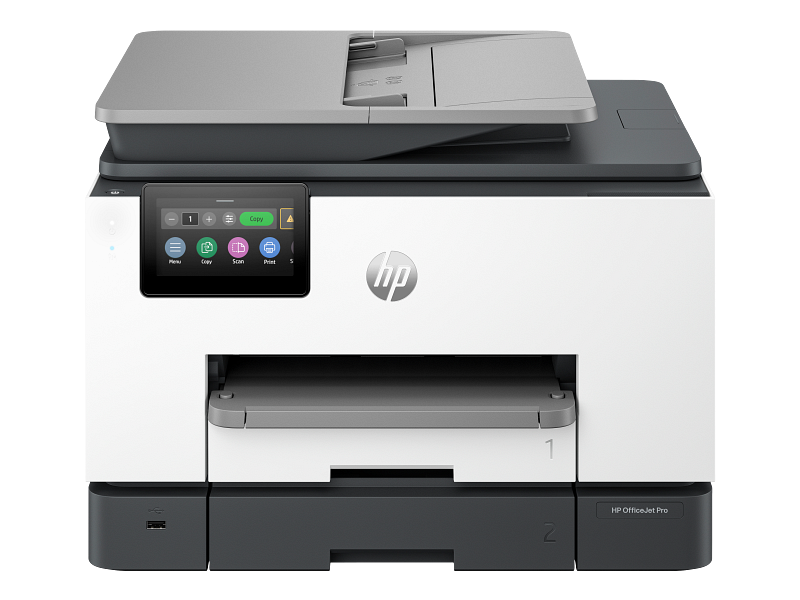
Picks Worth a Look
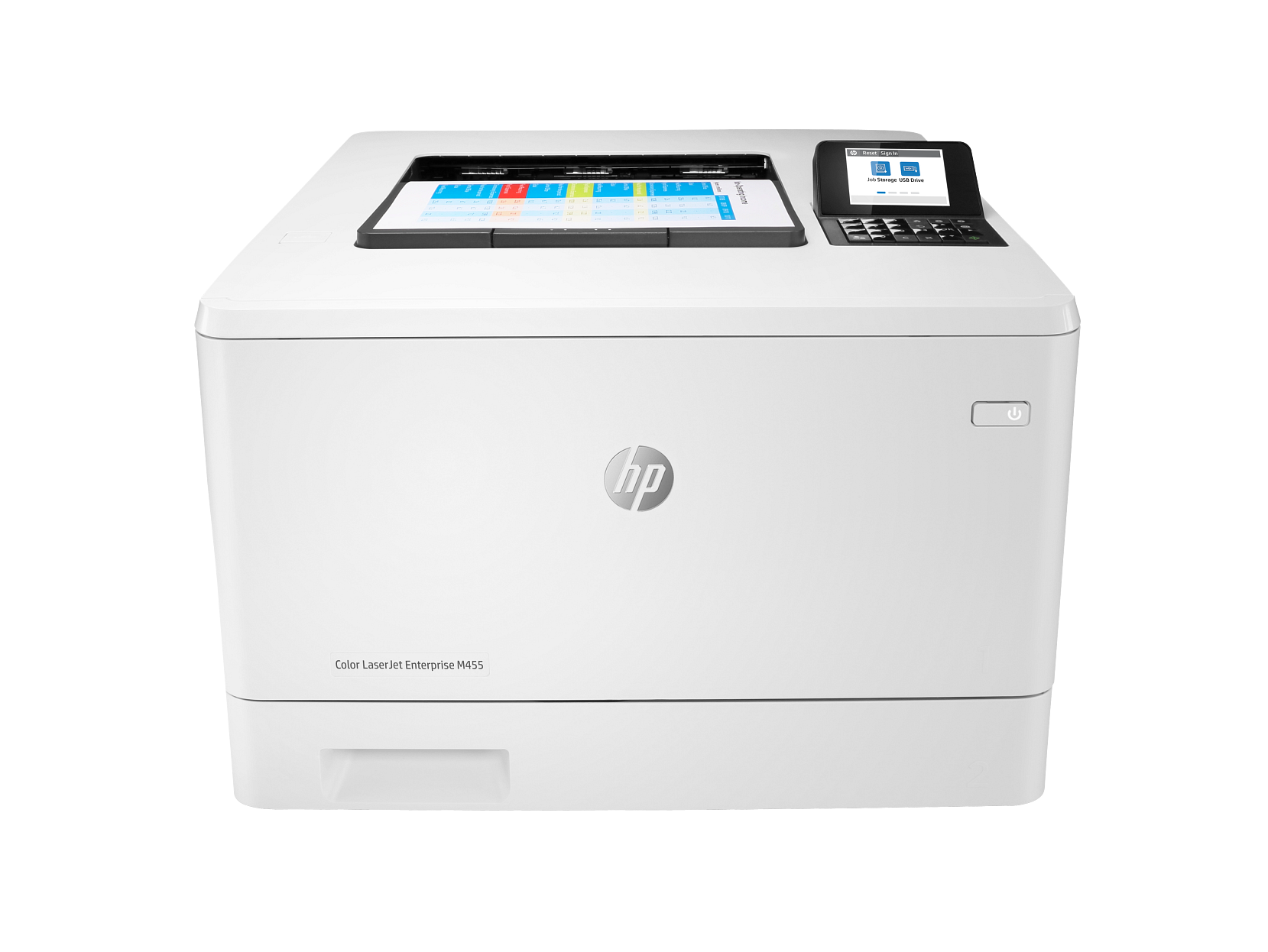
HP Color LaserJet Enterprise M455dn Color Laser Printer
$699.99
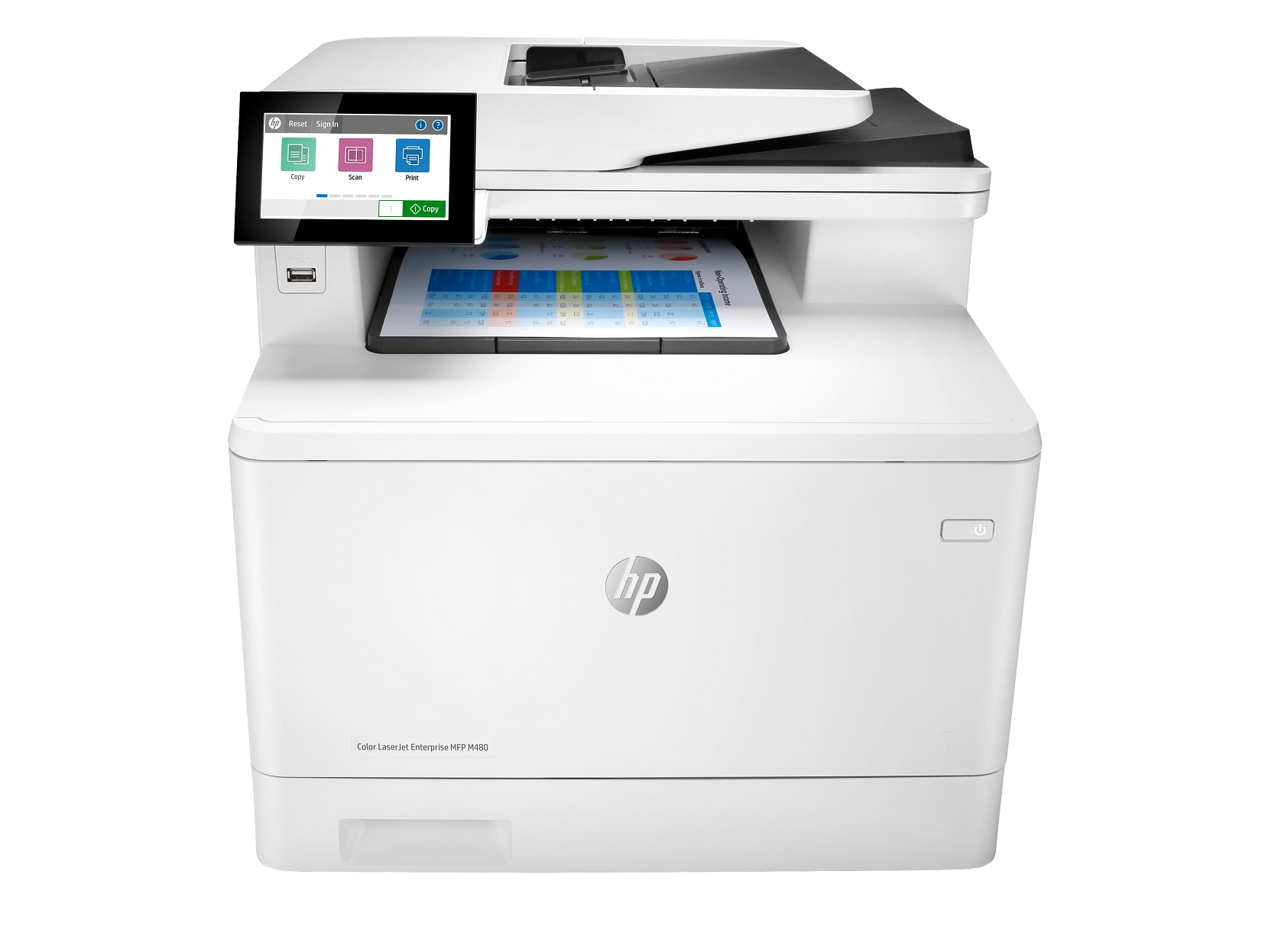
HP Color LaserJet Enterprise M480f Wireless All-in-One Printer
$849.99
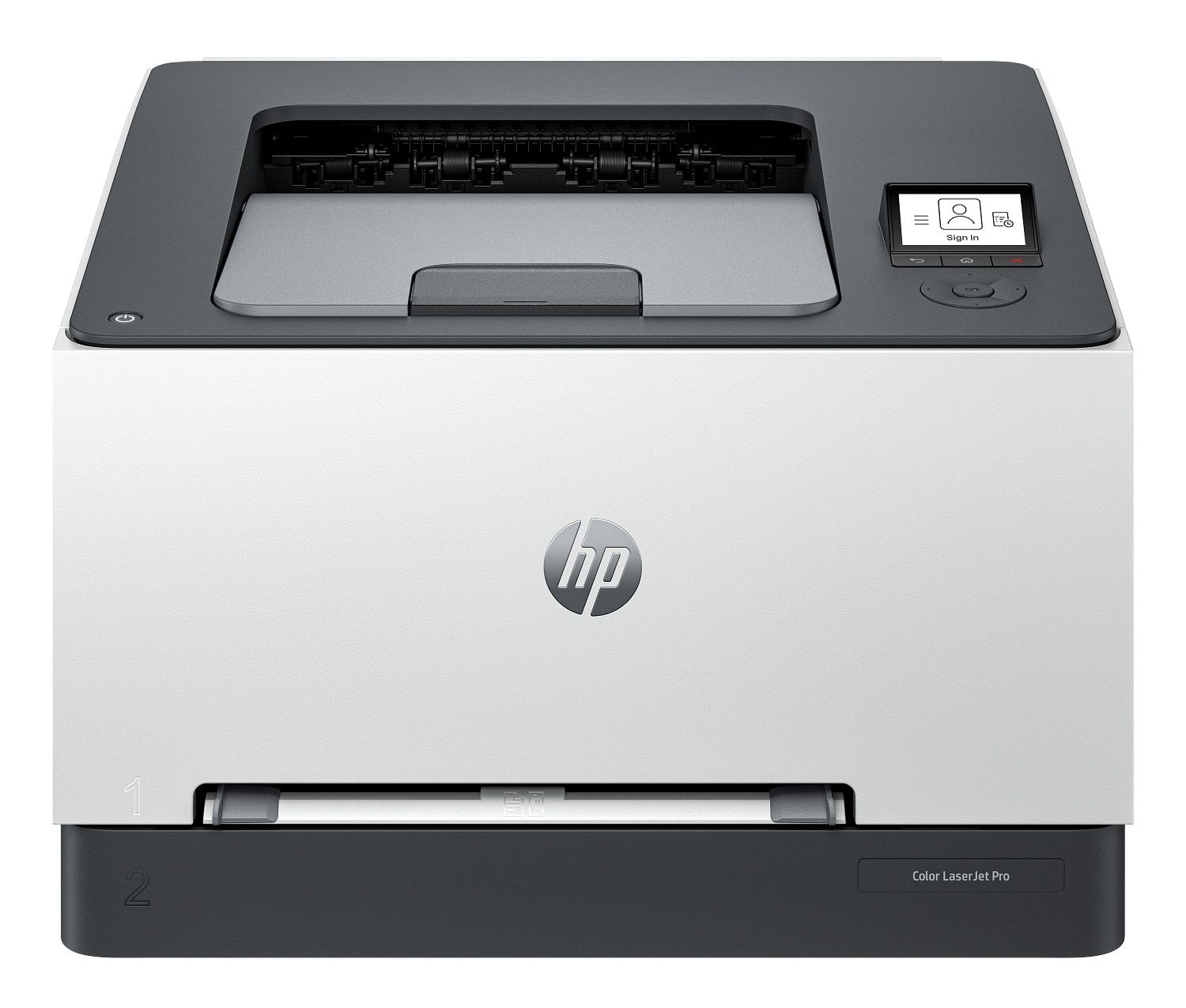
HP Color LaserJet Pro 3201dw Wireless Color Laser Printer
$329.99
HP Color LaserJet Pro 3201fdw Wireless All-in-One Printer
$529.99
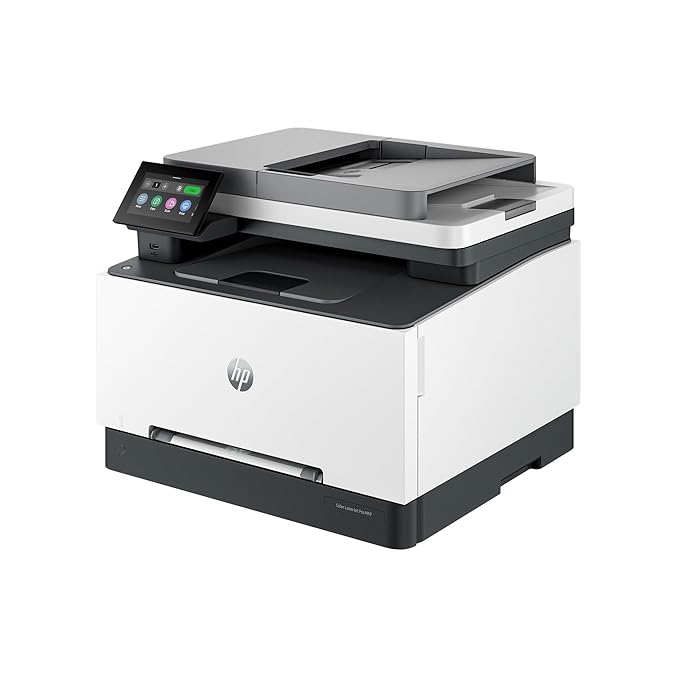
HP Color LaserJet Pro 3301fdw Wireless All-in-One Color Laser Printer
$499.99
What Shoppers Love Most
HP Color LaserJet Pro 4201dn Color Laser Printer
$499.99
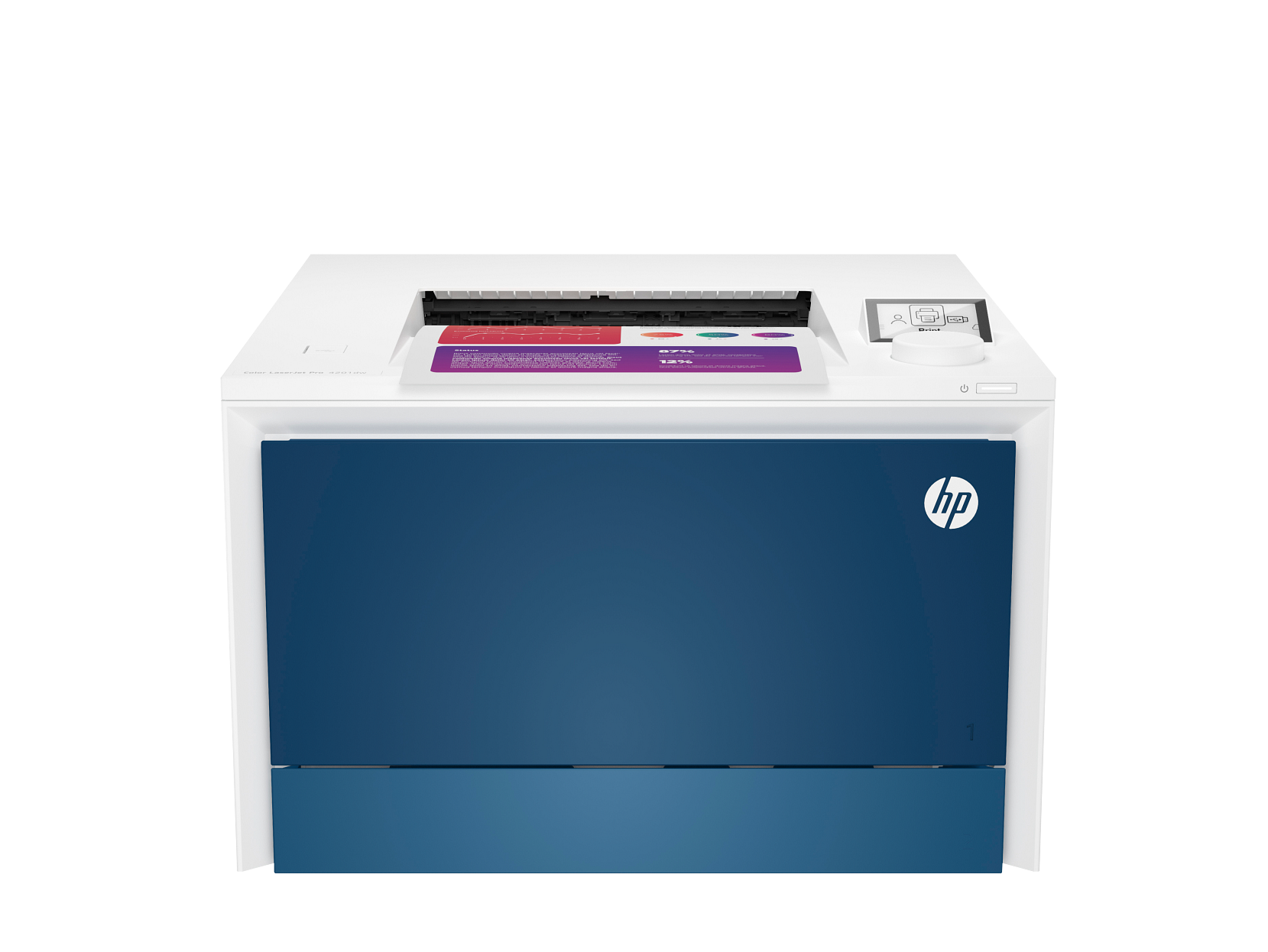
HP Color LaserJet Pro 4201dw Wireless Color Laser Printer
$549.99
HP Color LaserJet Pro 4301fdw Wireless All-in-One Color Laser Printer
$699.99
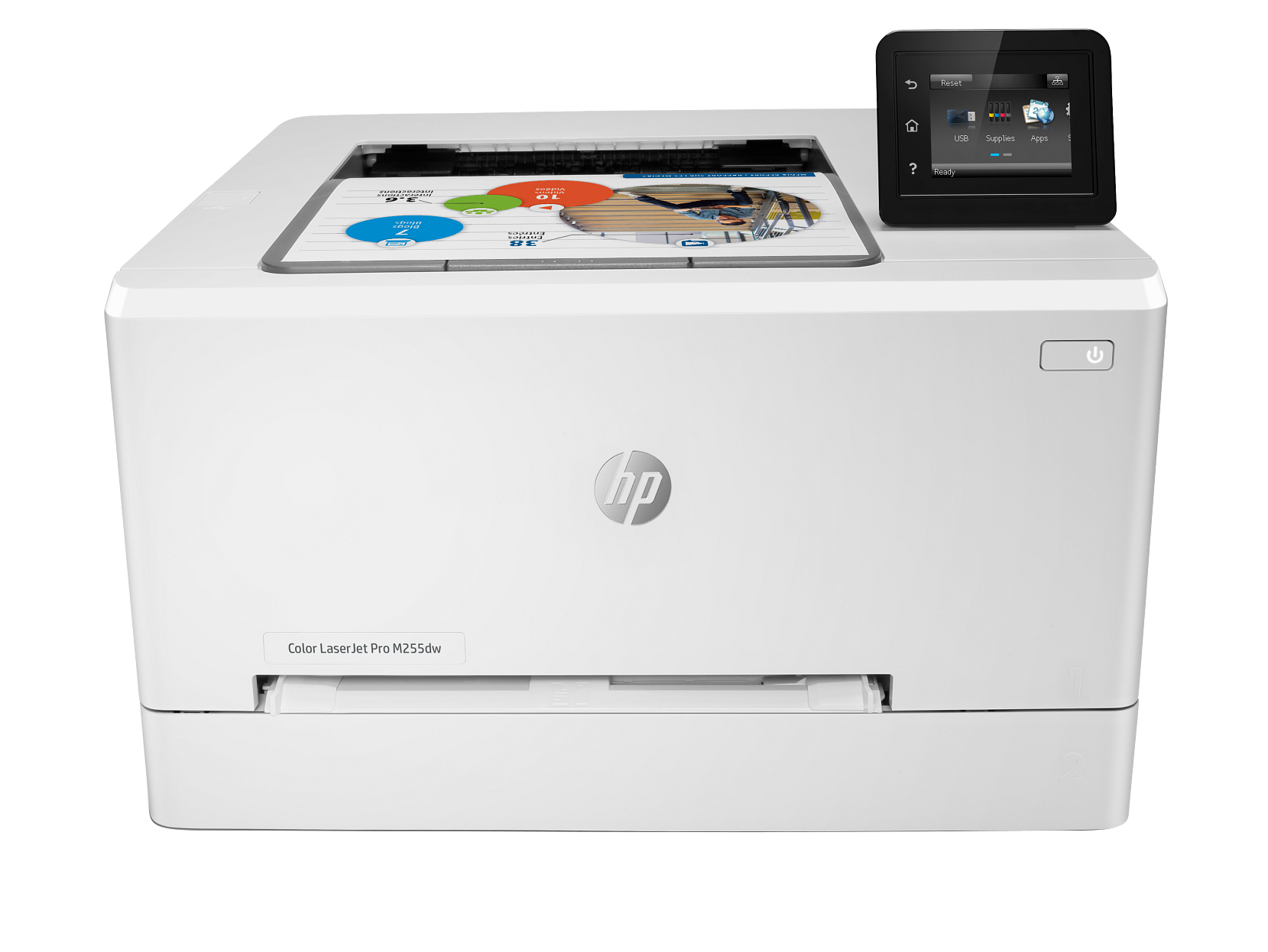
HP Color LaserJet Pro M255dw Wireless Color Laser Printer
$329.99
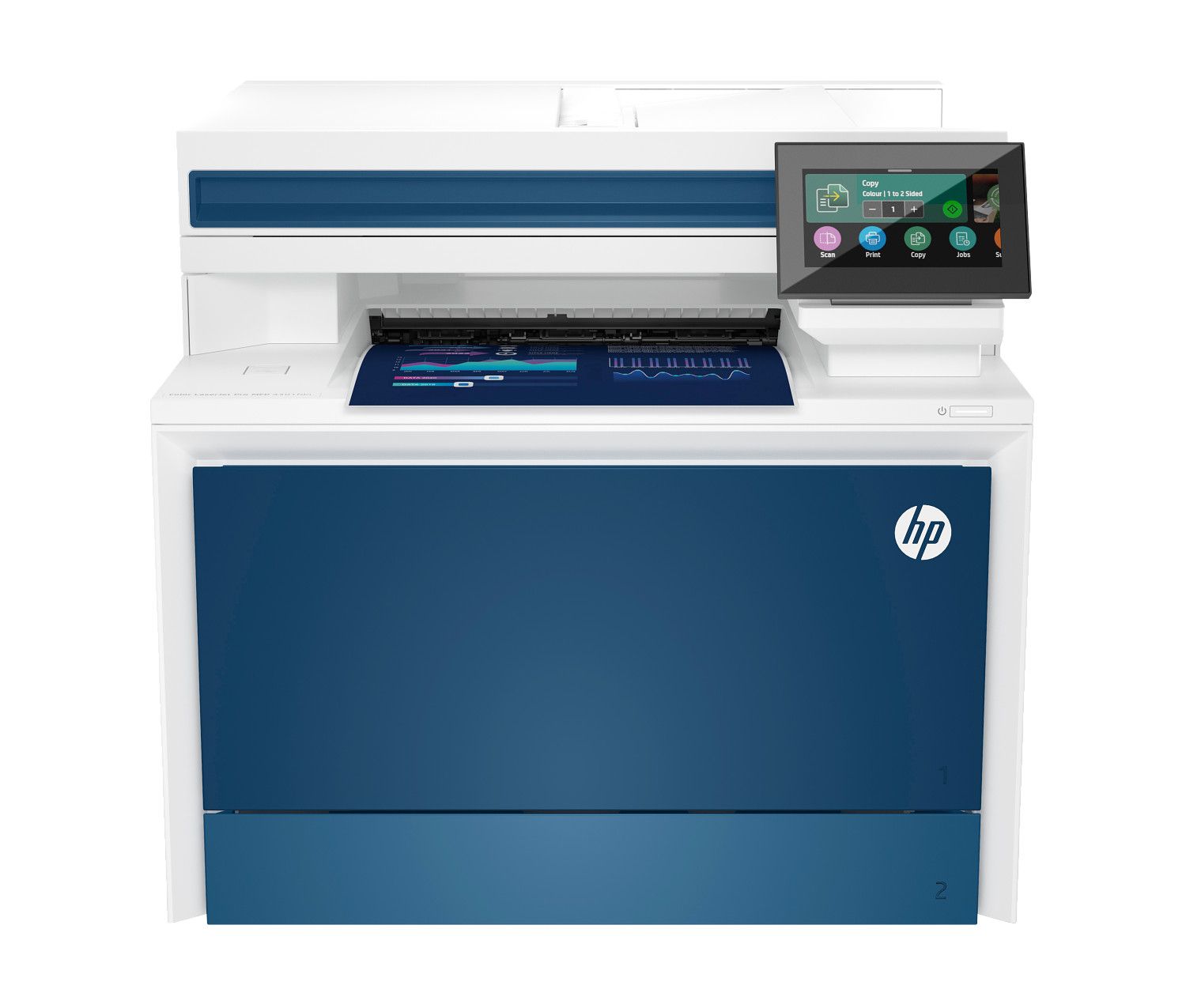
HP Color LaserJet Pro MFP 4301fdn Color Laser All-in-One Printer
$649.99
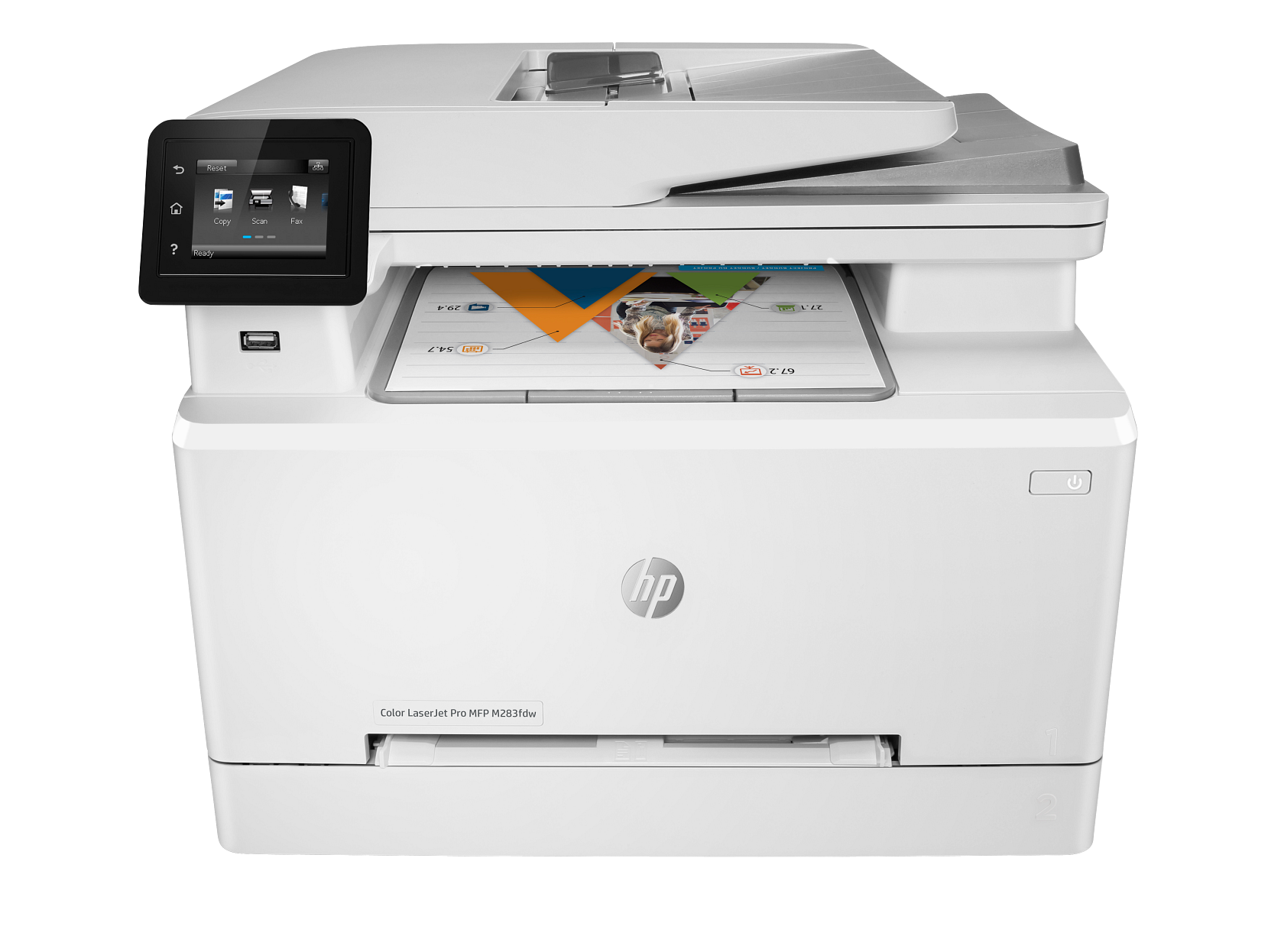
HP Color LaserJet Pro MFP M283fdw Wireless All-in-One Printer
$479.99
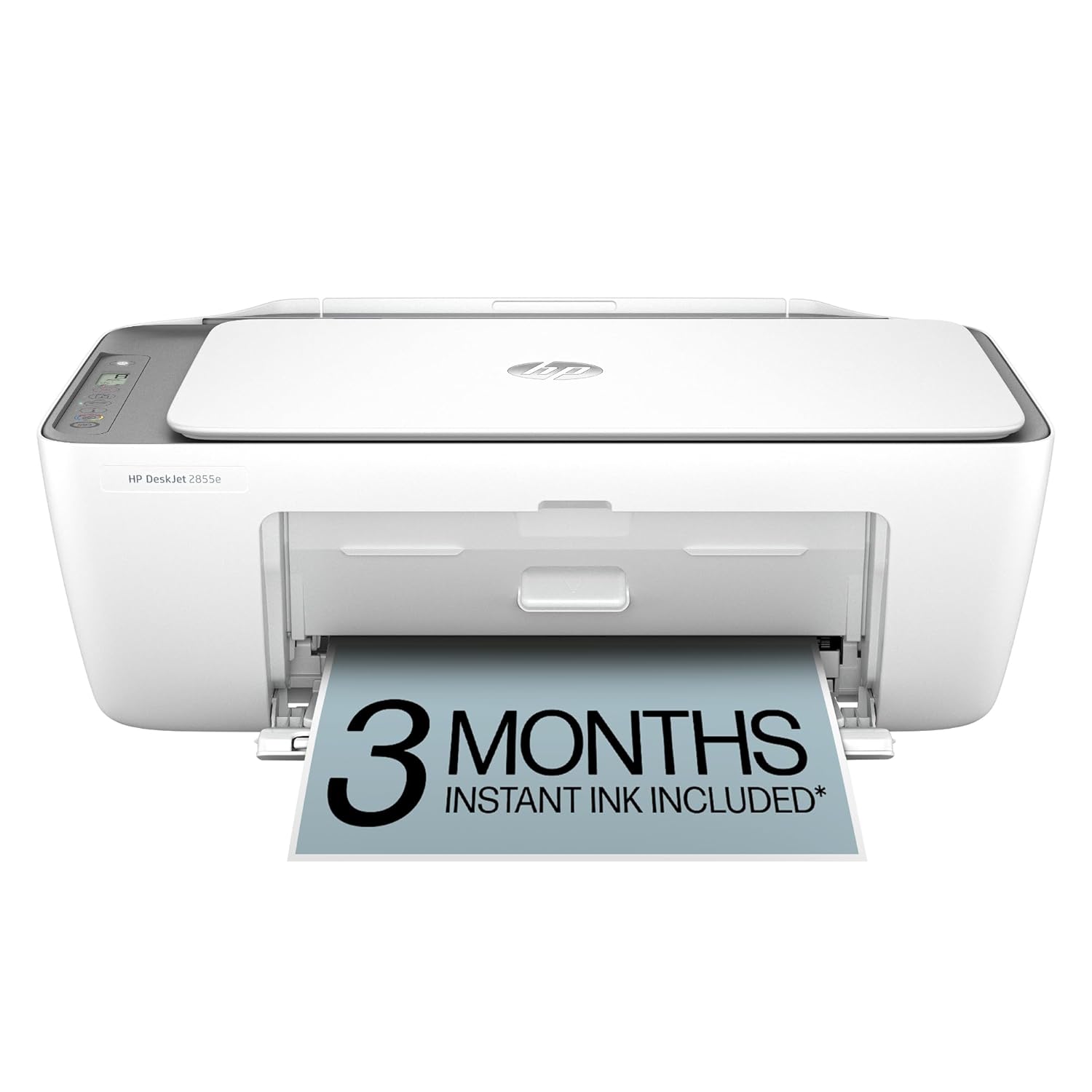
HP DeskJet 2855e Wireless Color Inkjet All-in-One Printer
$79.99
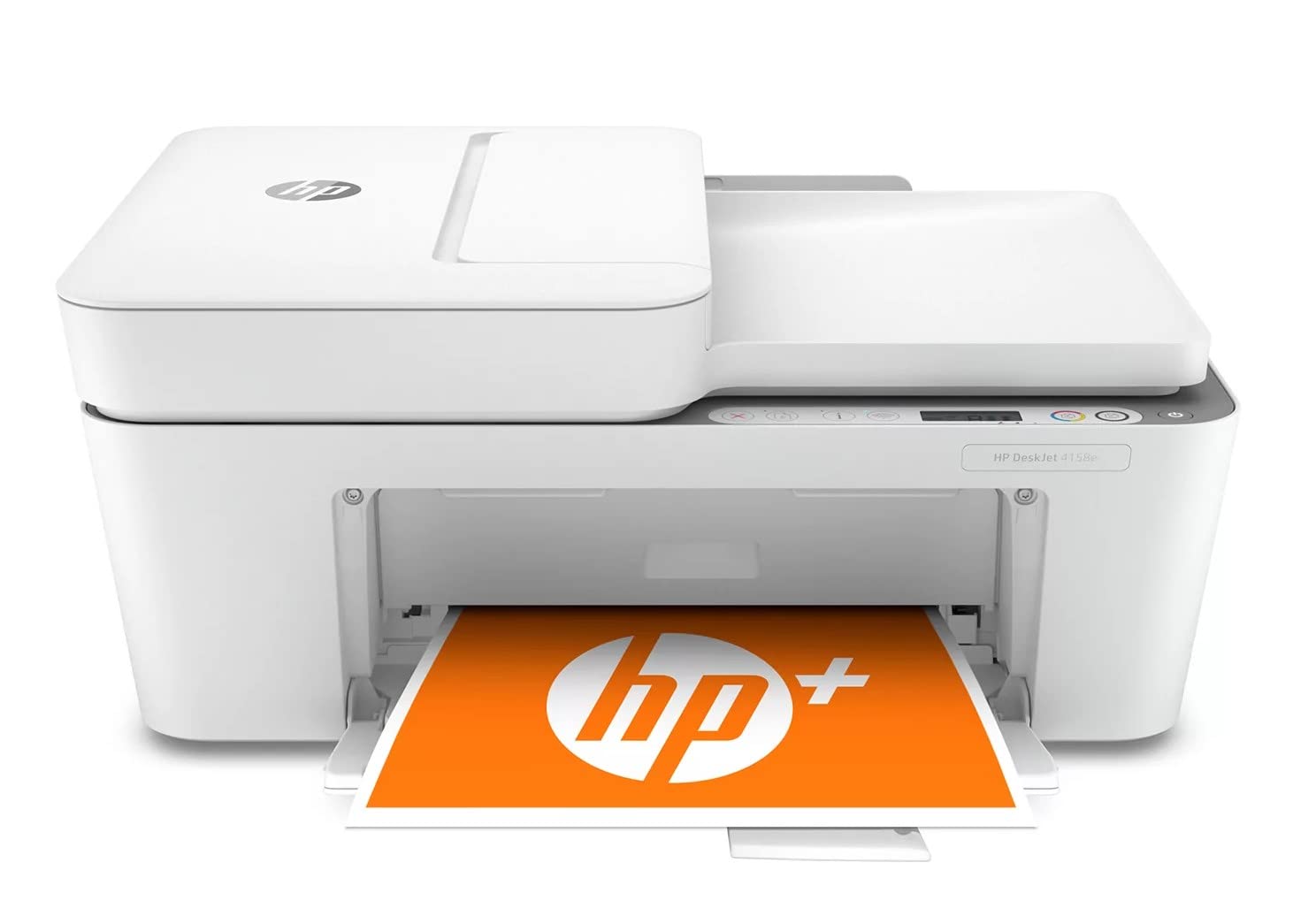
HP DeskJet 4158e Wireless Color Inkjet All-in-One Printer
$109.99
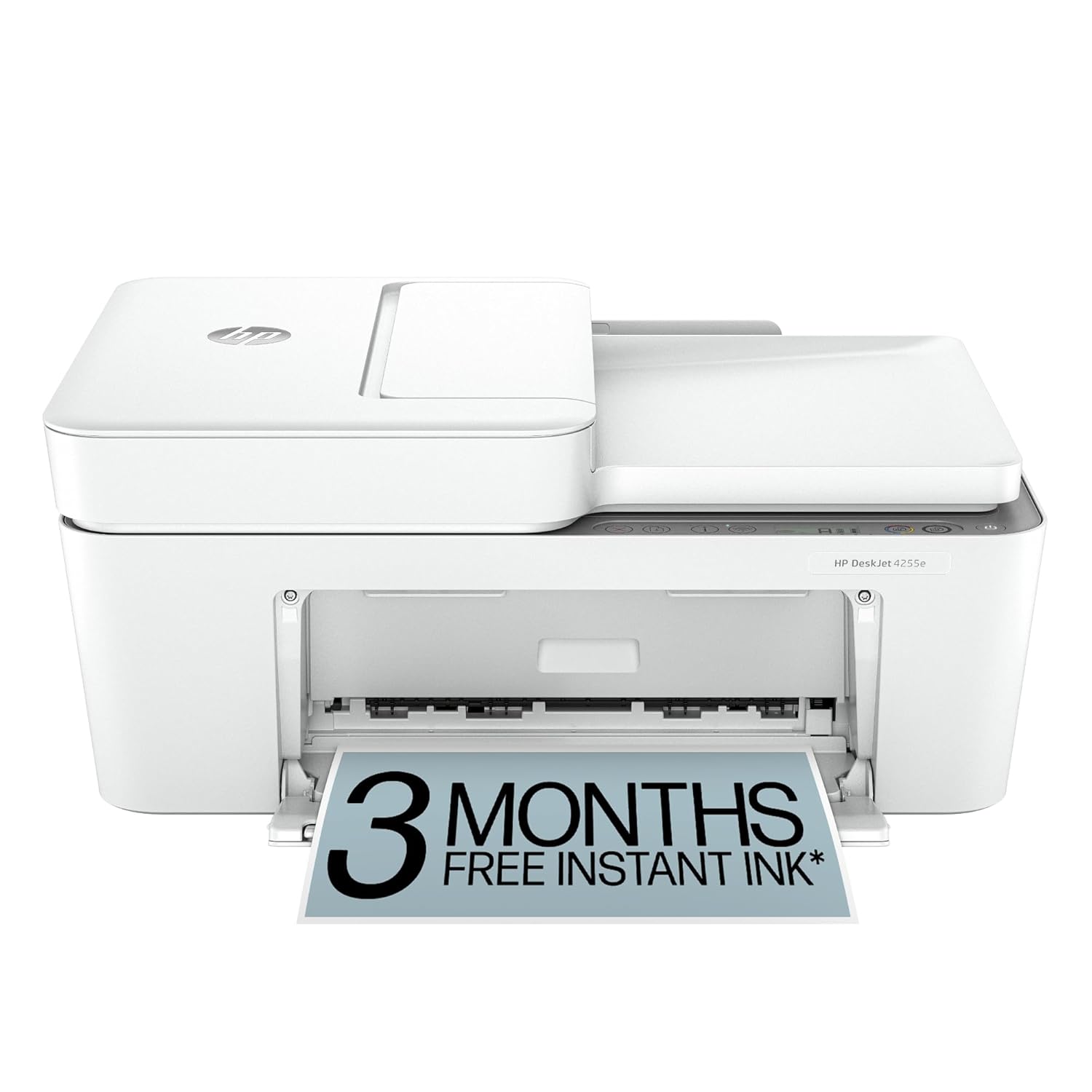
HP DeskJet 4255e Wireless All-in-One Inkjet Printer
$99.99
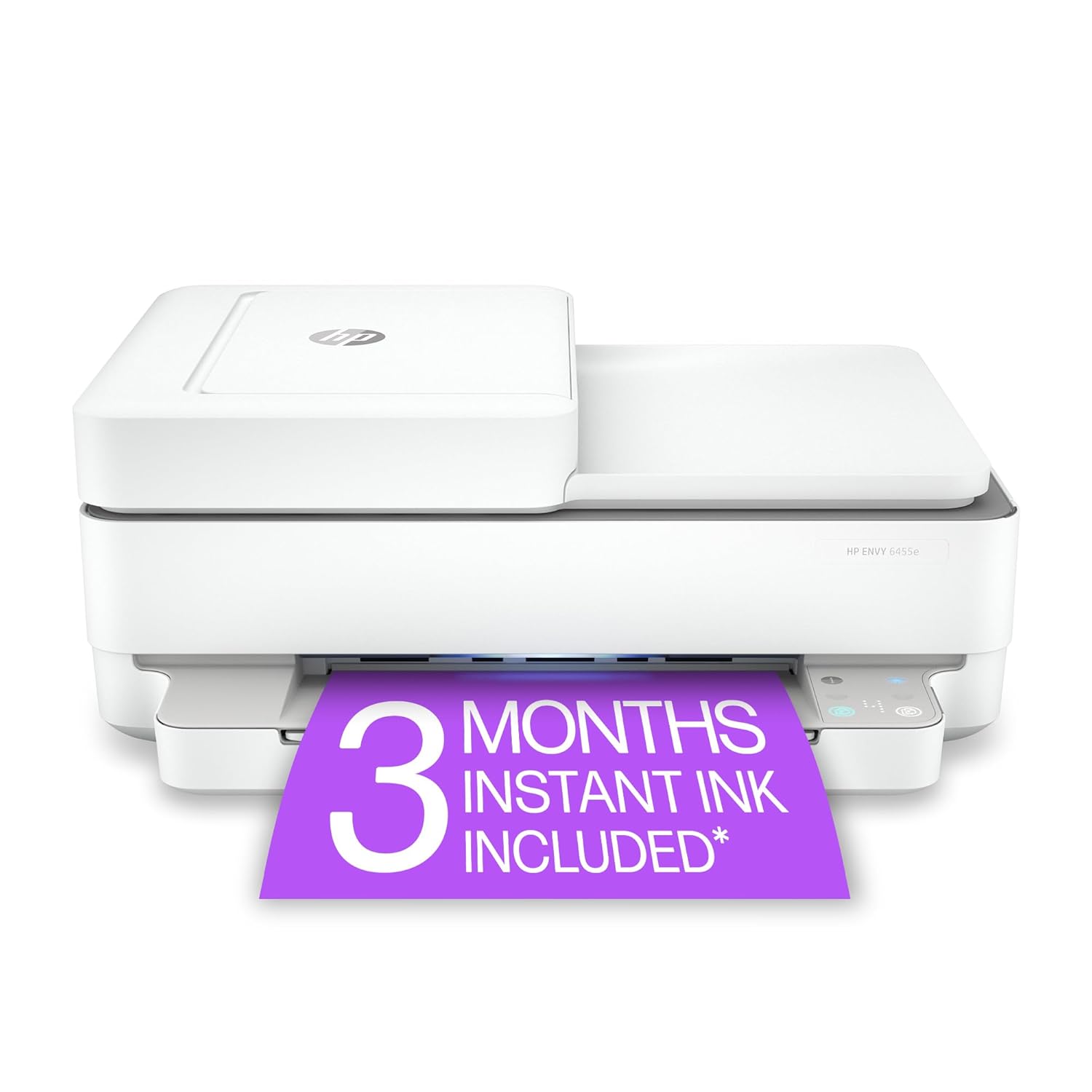
HP ENVY 6455e Wireless Color Inkjet All-in-One Printer
$159.99
Shop by Type
Match a Printer to How You Work
Home setup, busy office, or a do-it-all machine that prints, scans, and copies? Pick a type below and we'll point you to the models that fit.
Home Printer
Tidy, wireless printers sized for the home — easy to set up and just right for homework, photos, and everyday color printing.
Office Printer
Workhorses made for higher page counts, with laser speed, shared network access, and all-in-one options for the whole team.
Laser Printer
Quick, crisp output and a low cost per page — the smart choice when you print a lot of text-heavy documents.
Inkjet Printer
Rich, true-to-life color for photos and creative work, with wireless connectivity built in for printing from anywhere.
All-in-One Printer
Printing, scanning, and copying in a single footprint — available in both inkjet and laser, most with wireless on board.
Wireless Printer
Cut the cables. Print from your phone, laptop, or tablet over Wi-Fi, with all-in-one and laser wireless models to choose from.
Printer Scanner
Print, scan, and copy from one machine — a printer scanner combo covers everyday paperwork at home and at work.
Multifunction Printer
One device that prints, scans, and copies so you can clear the clutter and keep the whole workflow in one place.
Buyer's Guide
How to Choose the Right Printer
A few quick questions to narrow down printers — from a wireless home printer to an office laser or an all-in-one multifunction printer.
Inkjet printer or laser printer?
An inkjet printer lays down liquid ink for rich colour and photos — the popular home printer choice. A laser printer uses toner for fast, low-cost text, making it the smarter office printer for heavy black-and-white work.
All-in-one or single-purpose?
An all-in-one printer (a multifunction printer or printer scanner copier) prints, scans, and copies from one device — replacing three machines and saving desk space. A print-only model suits you if documents are all you need.
Wireless printer or wired?
A wireless printer joins your Wi-Fi so phones, tablets, and laptops print without cables — ideal at home. A wired connection stays steadier for a busy office printer running all day.
Home printer or office printer?
A home printer is compact and tuned for light-to-moderate use. An office printer carries a higher duty cycle, bigger trays, and faster speeds for a whole team — often a wireless office laser printer.
Colour or black-and-white?
Choose a colour inkjet printer or colour laser printer for photos, presentations, and marketing. A monochrome laser printer is the thriftiest pick if you only print text documents.
Weigh the running costs
Compare ink and toner yields plus the cost per page. High-yield cartridges and ink-tank printers cut the long-term cost of a home or office printer considerably.
FAQ
Printer Questions, Answered
A quick rundown to help you shop with confidence.
Inkjet or laser — which one is right for me?
It comes down to what you print. Inkjets spray liquid ink and shine with color work and photos, so they're a favorite at home. Lasers use toner and a laser beam to run faster and cheaper per page, which makes them ideal for offices and heavy black-and-white printing.
What exactly does an all-in-one printer do?
An all-in-one — also called a multifunction printer — bundles printing, scanning, and copying into one machine, and many wireless models add fax too. It's a space-saver that home offices and small businesses love because it replaces several devices at once.
What should I prioritize in a home printer?
Look for a compact body that fits your space and Wi-Fi so everyone in the house can print without plugging in. If photos and school projects are on the agenda, choose a color model. Home printers are tuned for light-to-moderate everyday use.
What separates a good office printer from the rest?
Reliability under a heavier load. Offices usually lean toward fast laser models for crisp documents, networked printers for shared access, and all-in-ones that fold in scanning and copying. Check the monthly duty cycle and pages-per-minute (ppm) when you compare.
How does a wireless printer actually connect?
A wireless (Wi-Fi) printer joins your home or office network, so any approved device can send a job without a USB cable. Many also support printing straight from a phone. Wireless all-in-ones and wireless lasers are the most popular setups.
Mangal Electronics is an independent store and isn't affiliated with or endorsed by any manufacturer. All product names and trademarks are the property of the companies that own them.